


Logging in
Log in to your nRouter dashboard using secure authentication methods including passwords, email magic links, SMS phone verification, and enterprise SAML SSO.
Log in to your nRouter dashboard using passwords, email magic links, SMS phone verification, or enterprise SAML/OIDC SSO to manage keys, billing, and team workspaces across Pay as you go and Enterprise plans. Every authentication method directs you to your organization dashboard at /{your-org-slug}, protected by rate limits, automated lockout defenses, and optional TOTP two-factor authentication with backup recovery codes.
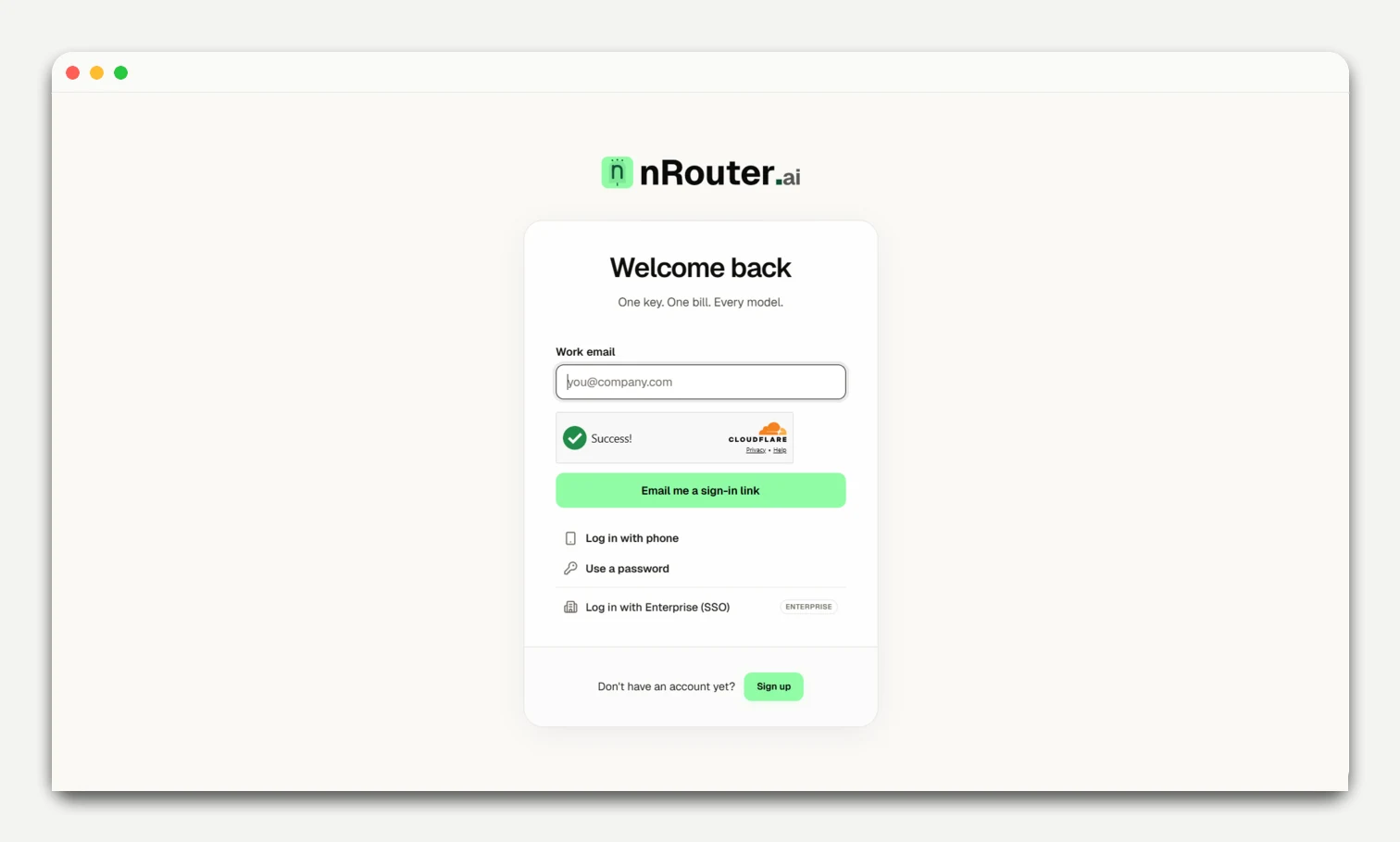
Sign-in methods
| Method | What you provide | Notes |
|---|---|---|
| Email + password | Work email and password | At least 8 characters. See passwords. |
| Email magic link | Email address only | One-time sign-in link valid for 1 hour. |
| Phone OTP | Mobile number | SMS code when enabled. See Phone Verification. |
| Enterprise SSO | Work email address | SAML 2.0 / OIDC sign-in for Enterprise plans. |
Lockout defenses & 2FA
- Failed attempts: Trigger progressive 30-second cooldowns, Cloudflare Turnstile CAPTCHA, and temporary password lockout.
- Two-factor authentication: Prompts for a 6-digit TOTP code or backup code when enrolled. See Two-Factor Authentication.
- Post-login routing: Directs to
/{your-org-slug}or onboarding (/[org]/getting-started). For issues, see Troubleshooting.
Next steps
- Passwords & Reset — Change or recover your password
- Two-Factor Authentication — Add TOTP and recovery codes
- Phone Verification — Link and verify a mobile number
Was this page helpful?