


Creating an Account
Sign up for an nRouter account — create your login, name your workspace, verify email, activate via SMS phone trial or credit top-up, and test promo models.
Create an nRouter account to set up your personal login, establish your organization workspace, and activate API access on Pay as you go or Enterprise without an upfront paywall. Standard Pay as you go self-signups route directly to your onboarding dashboard with no mandatory payment upfront.
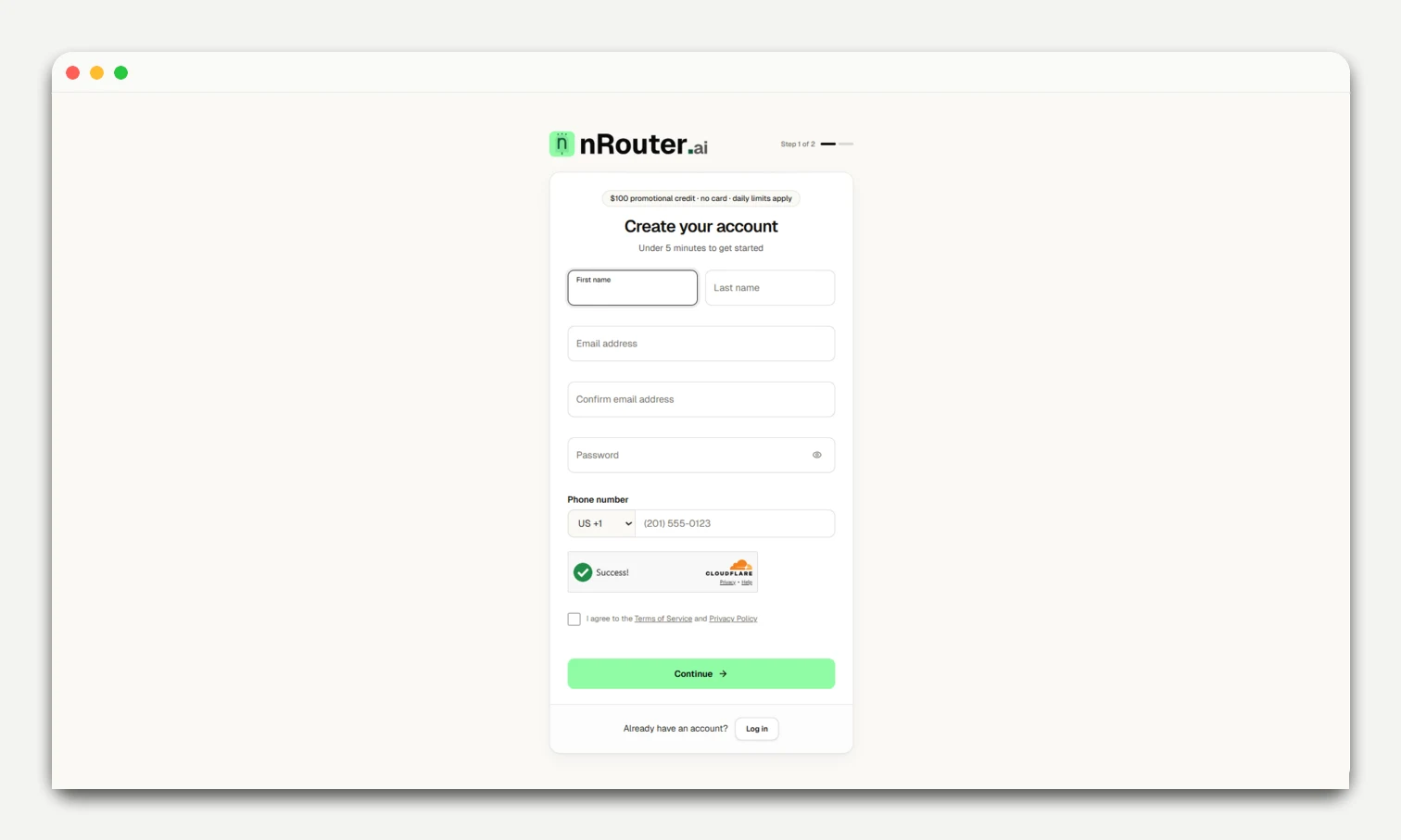
Sign-up & onboarding
- Sign up: Register your workspace at
/signup(passwords require at least 8 characters). To join an existing workspace, use an invite link — see Team Management. - Verify email: Confirm email on
/{org}/getting-started(mandatory before key generation). - Activate workspace:
- Option A (SMS Trial): Verify phone for $100.00 promo credit on
promo-labeled models (subject to the current daily limit on Pricing). - Option B (Add Credits): Add $5+ via Stripe (0% platform fee) for full catalog access.
- Option A (SMS Trial): Verify phone for $100.00 promo credit on
- Create your starter API key: On the Getting Started checklist, click Create API key to provision your starter key. The key secret is revealed once—copy it immediately to your environment. (Lost keys cannot be retrieved; create a replacement in API Keys).
- Make first request: Test via the Getting Started quickstart snippet or 1-click Playground.
See Passwords & Reset for NIST password standards.
Next steps
- Quick Start — Make your first API call
- Logging in — Sign-in methods, including magic link and SSO
- API Key Management — Manage virtual keys and model access rules
- Organization Setup — Configure teams, budgets, and workspace settings
Was this page helpful?